🏭 AI@CDS Backend S/4 Application
The AI@CDS Backend provides the 4IT CDS ABAP Interface. This application is fully written in ABAP and runs as any standard ABAP program — without the need of any AI interaction.
This section provides an overview of the ABAP interface step by step.
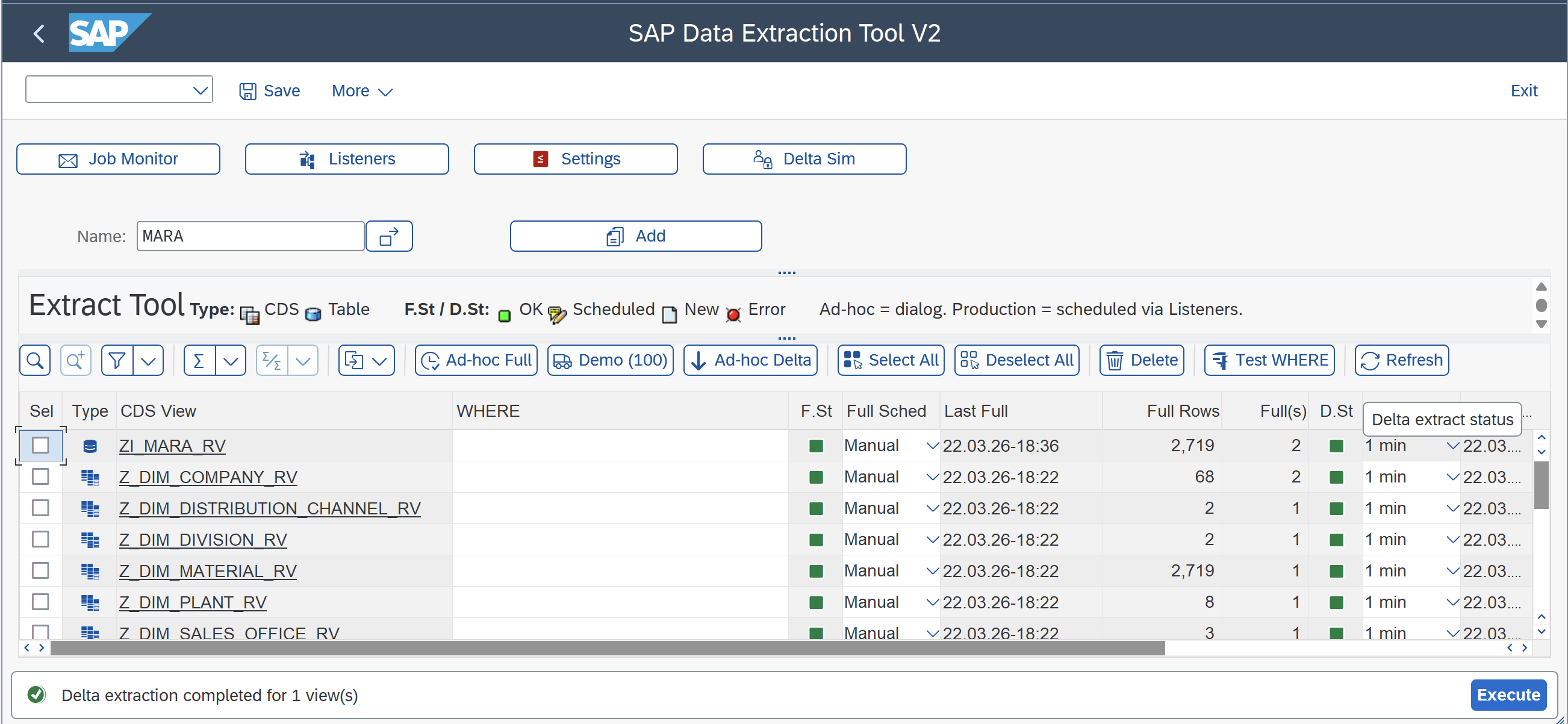
Step 1 — CDS Full Interface
In this screen, the user can select any CDS view and trigger the replication in Full mode. The application creates a background job automatically.
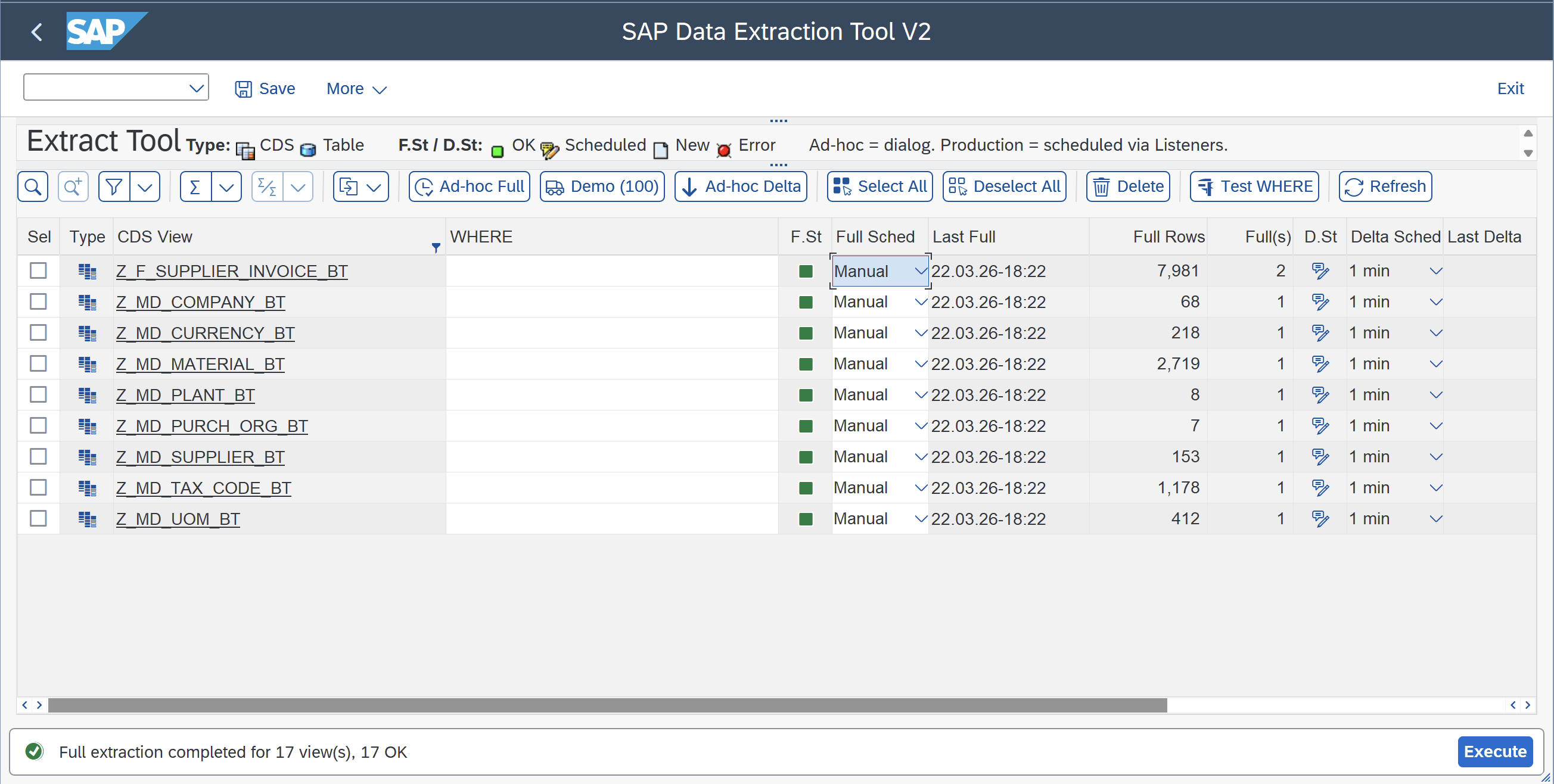
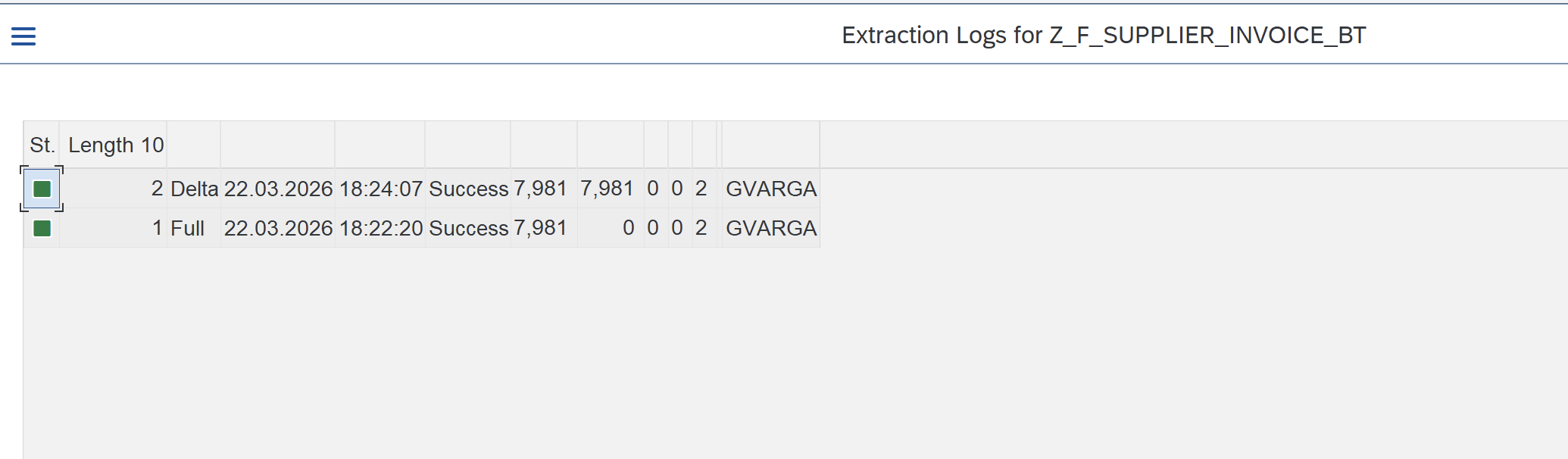
Once the Full job is finished, the user can see the log details of the run.
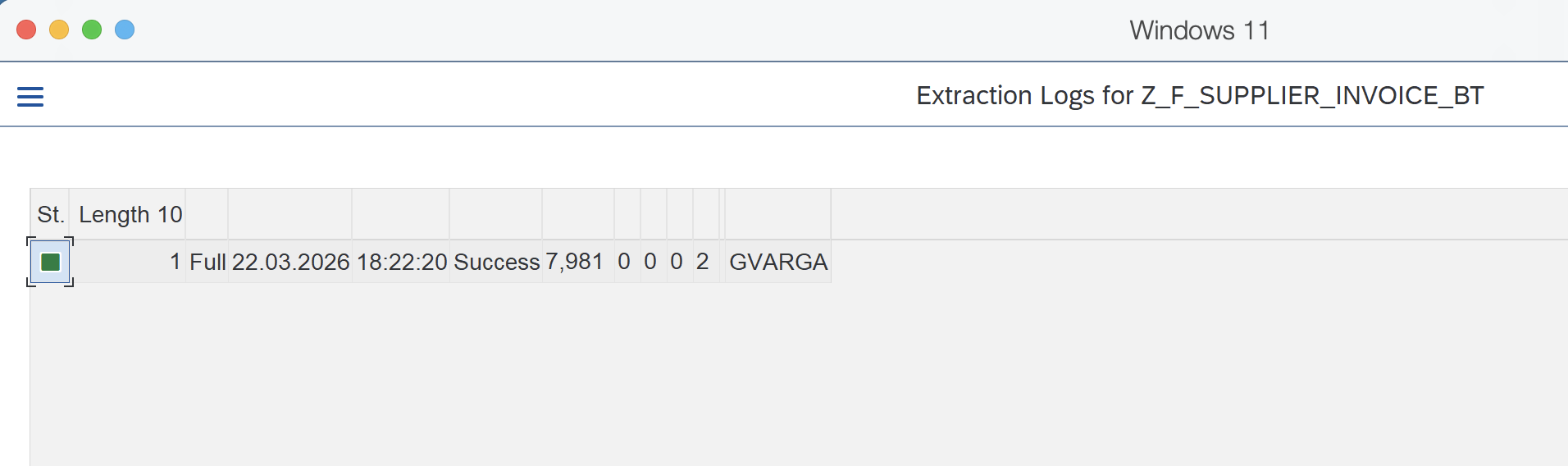
Step 2 — CDS Delta Interface
Once the replication in Full mode is done, the interface can be scheduled in Delta mode. The application creates a background job automatically.
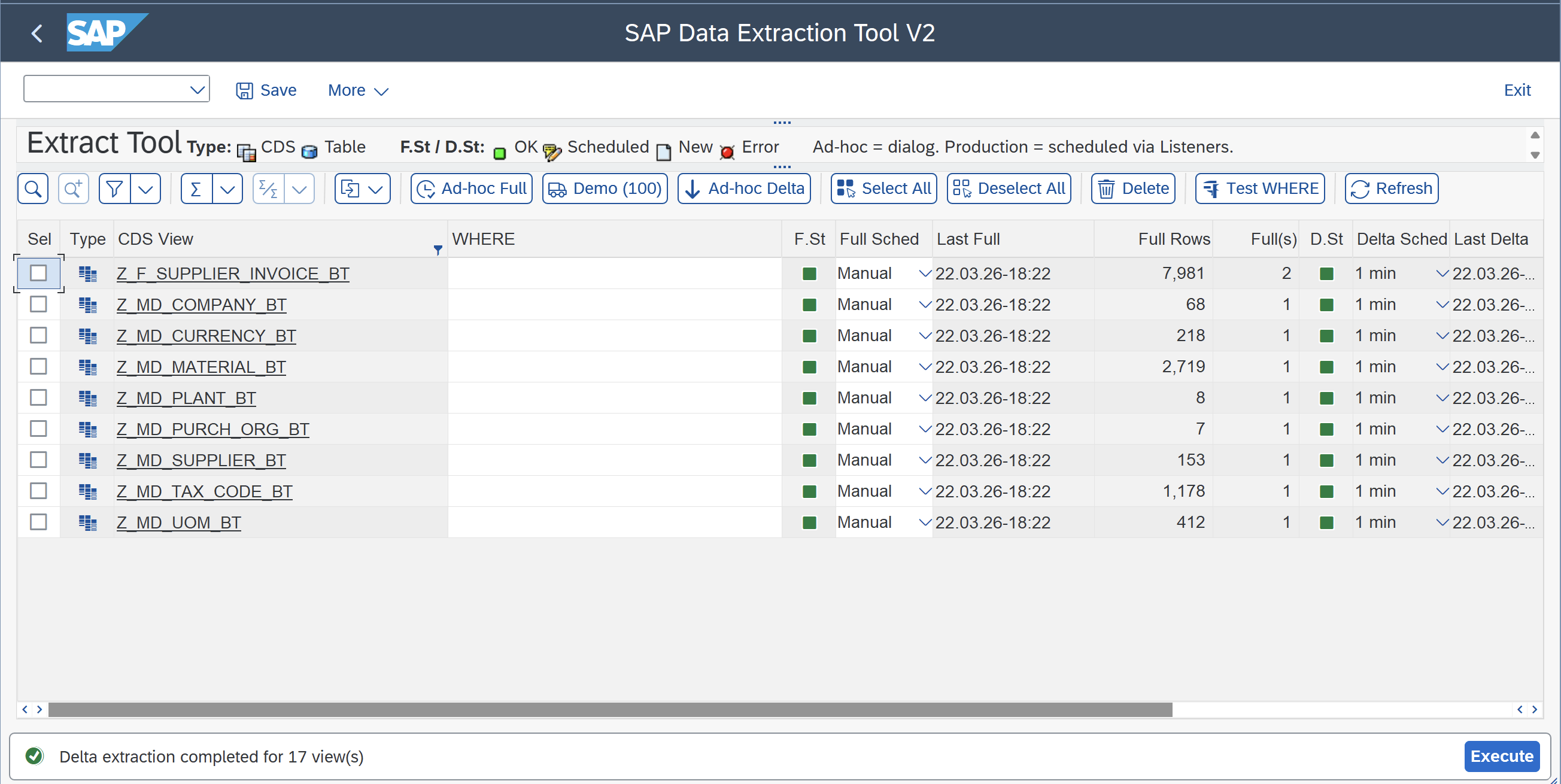
Once the Delta job is finished, the user can see the log details of the run.
Step 3 — SAP Table Replication
The SAP ABAP Interface fully supports the replication of SAP tables.
- When a table is selected, a corresponding CDS view is generated on-the-fly at execution time.
- Because the view is not stored persistently in S/4HANA, no Transport Requests are required to replicate tables — giving full flexibility even in Production systems.
Here the user can select any SAP table for replication.
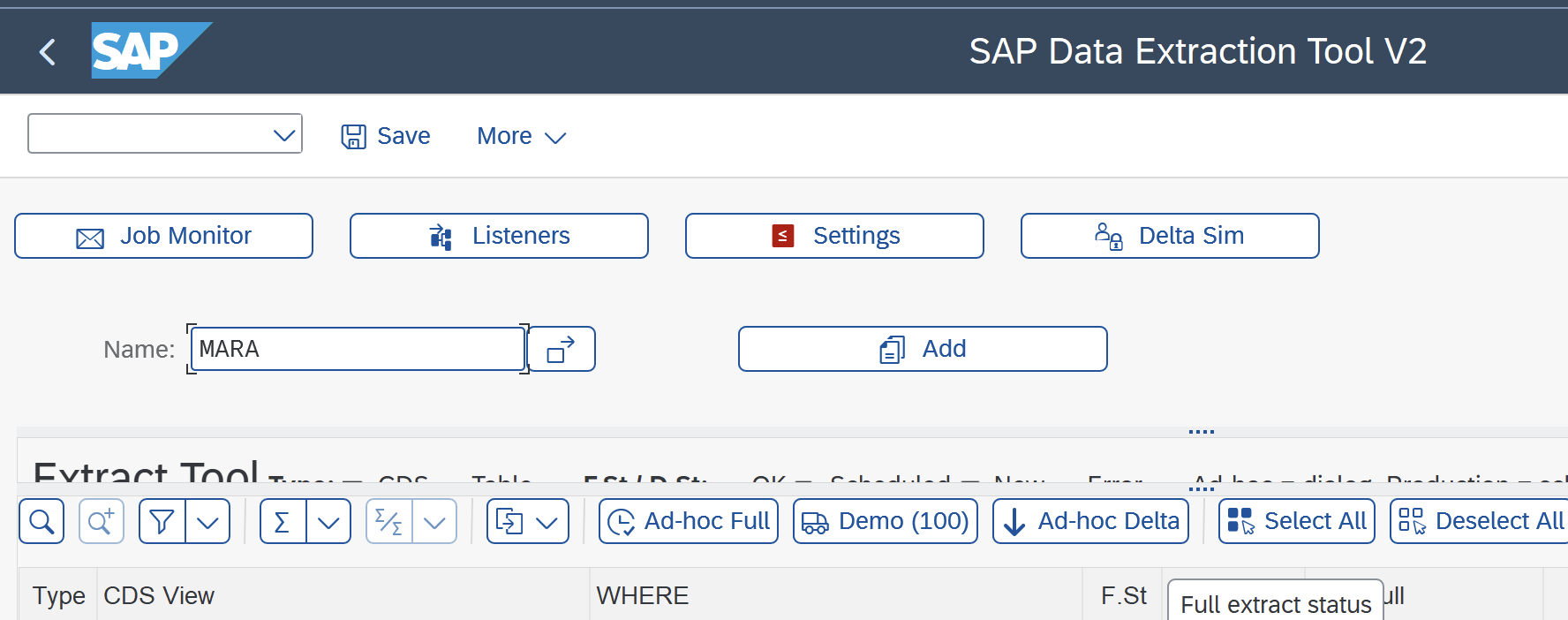
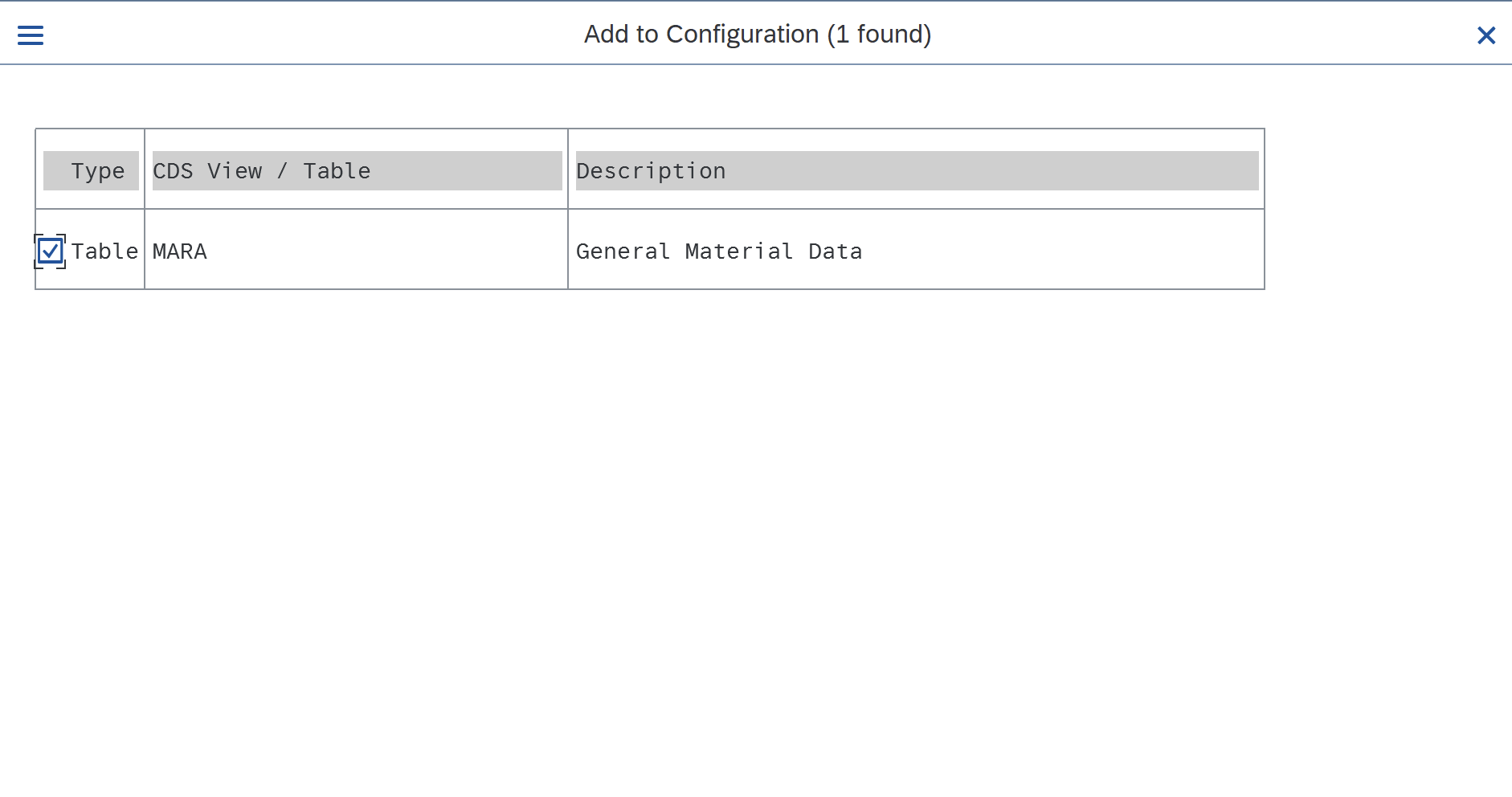
If the data dictionary object exists in SAP, the user can validate the selection.
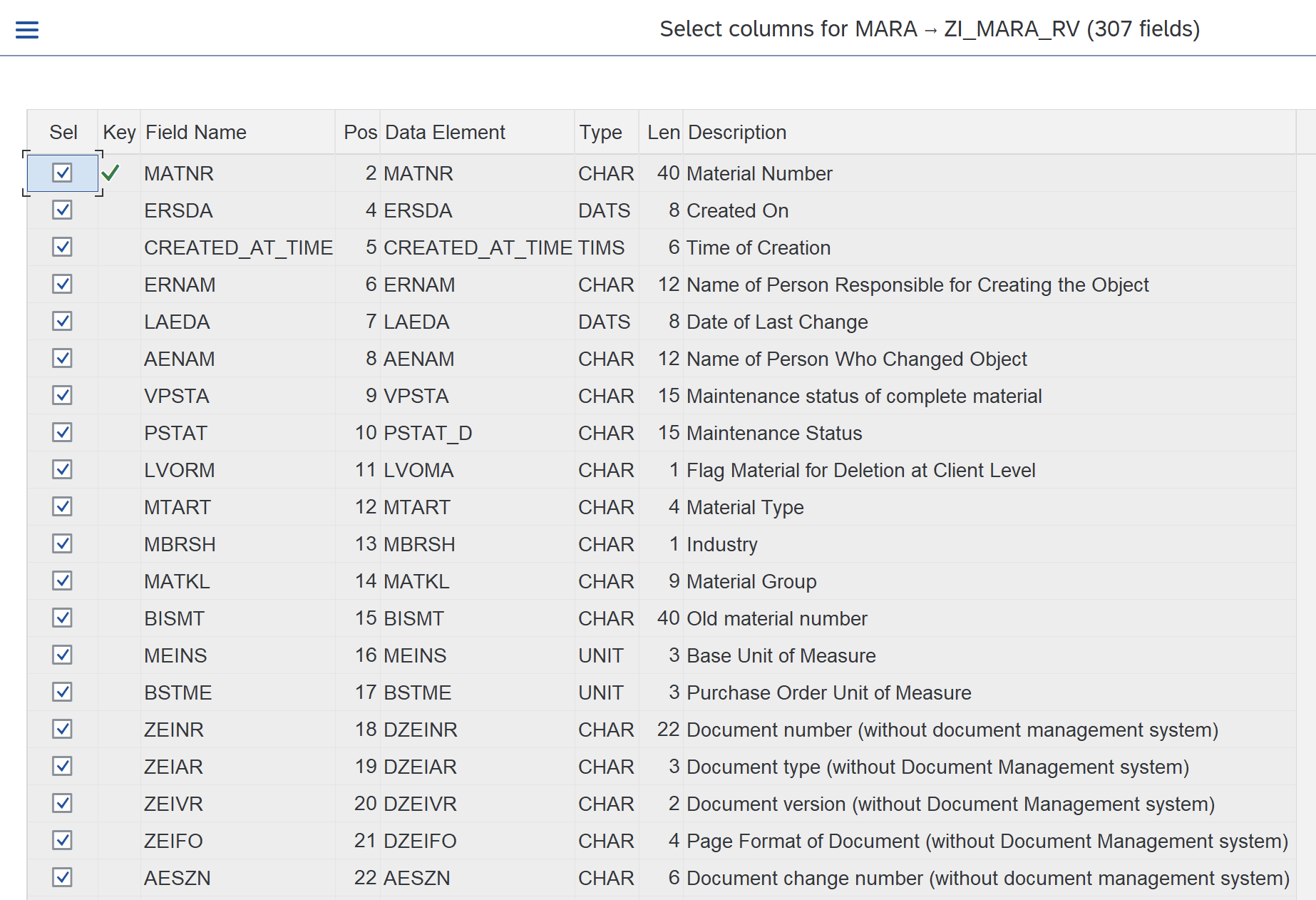
The application offers the option to select only those fields which are required for the replication — this can save storage and processing costs.
The selected table is added to the work list and can be triggered in Full mode and then in Delta load.
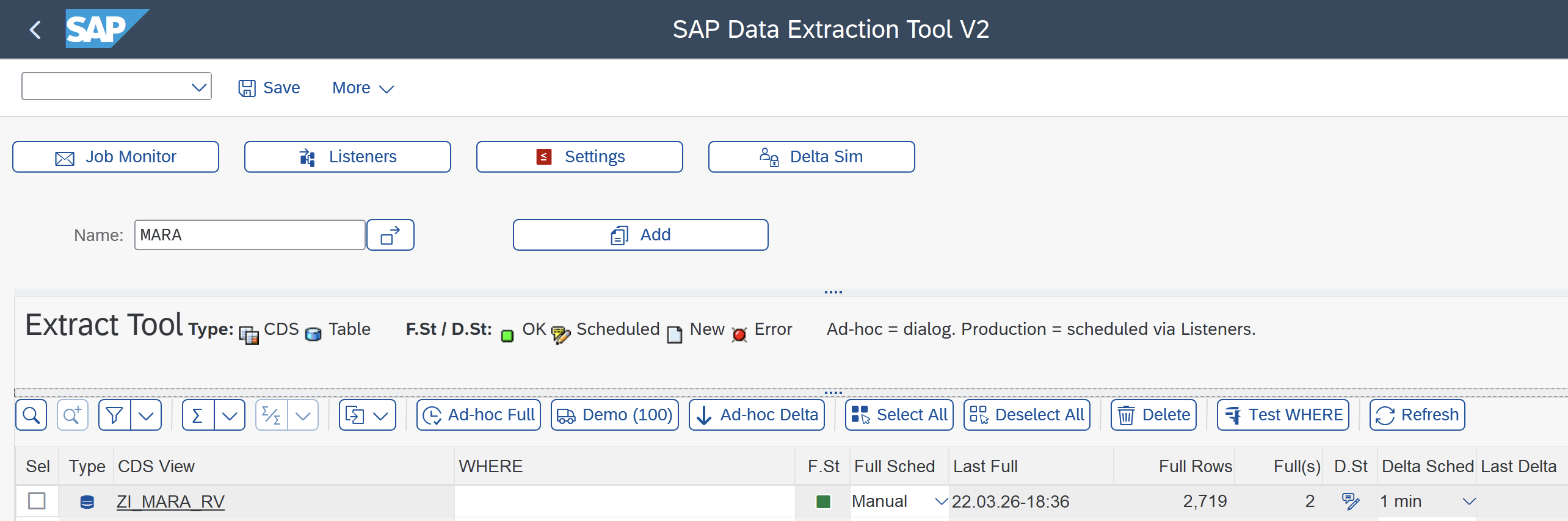
The CDS load is triggered in Delta mode.